Local SEO Checklist: How Small Businesses Win the Google Map Pack
When someone searches for “coffee shop near me,” “emergency plumber” or “SEO agency in Lahore,” Google doesn’t just show ten blue links. It shows a map with three businesses at the top, complete with ratings, opening hours, photos and a button to call. That box, the local pack, is where many local customers make their decision.
Local SEO is the process of improving your visibility in those location-based searches, both in Google Maps and in the regular organic results. The good news for small businesses is that you don’t need a huge budget to compete. You need accurate information, steady reviews and a website that clearly connects your business to the place you serve. This checklist walks you through every step.
Key Takeaways
- Google ranks local results mainly on three factors: relevance, distance and prominence.
- Your Google Business Profile is the most important local SEO asset, so complete every field and keep it updated.
- Consistent name, address and phone (NAP) details across the web build trust in your business entity.
- Reviews influence both rankings and customer decisions, so ask for them consistently and reply to every one.
- Location pages, local links and LocalBusiness schema help your website support your map pack visibility.
How Google Ranks Local Results
Google’s own documentation says local results are based primarily on three factors:
- Relevance: how well your business profile matches what someone is searching for.
- Distance: how far each potential result is from the searcher’s location or the location named in the search.
- Prominence: how well known your business is, based on information from across the web, including links, articles, directories, reviews and your position in organic results.
You can’t move your shop closer to every searcher, so local SEO focuses on relevance and prominence. Every item in this checklist strengthens one or both.
Part 1: Google Business Profile Checklist
Your Google Business Profile (formerly Google My Business) is the single most important local SEO asset you own. It’s free and it’s what appears in Maps and the local pack.
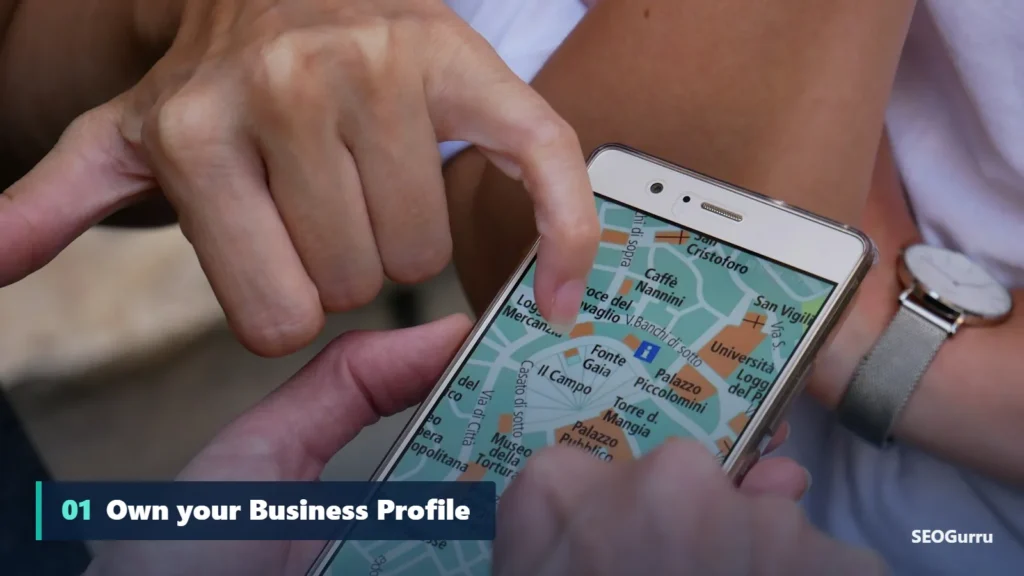
- Claim and verify your profile at business.google.com. Verification may involve a video, phone, email or postcard, depending on your business.
- Use your real business name. Don’t stuff keywords into the name; it violates Google’s guidelines and can lead to suspension.
- Choose the right primary category. This is one of the strongest relevance signals. Pick the most specific option, such as “Italian restaurant” rather than “Restaurant,” then add relevant secondary categories.
- Add your address or service areas. Storefront businesses show an address; service-area businesses can hide it and list the areas they cover.
- Set accurate hours, including special hours for holidays.
- Add your website and phone number, using a local number where possible.
- Write a helpful business description of up to 750 characters, explaining what you do and who you serve.
- List products and services with clear names and descriptions.
- Upload real photos of your storefront, team, products and work. Businesses with photos tend to receive more requests for directions and website clicks.
- Enable messaging and booking if your business can respond quickly.
- Publish updates about offers, events and news to show the profile is active.
- Answer common questions that customers might have about parking, accessibility or payment methods, and keep attributes up to date.
Part 2: NAP Consistency and Citations
NAP stands for name, address and phone number. Search engines compare your details across many sources to decide how confident they can be in your information. Inconsistent data, like an old address on a directory or a different phone number on Facebook, creates doubt.
Checklist:
- Decide on one exact format for your business name, address and phone number.
- Use it identically on your website footer, contact page, Google Business Profile and social media.
- Claim listings on major platforms such as Apple Business Connect, Bing Places for Business, Facebook and Yelp.
- Add your business to reputable industry directories and local chambers of commerce.
- Find and fix outdated listings, especially after a move or rebrand.
- Avoid low-quality directory networks; quality and accuracy matter more than volume.
Part 3: Reviews Checklist
Reviews are a ranking factor and a conversion factor. Google states that more reviews and positive ratings can improve a business’s local ranking, and customers rely on them heavily when choosing where to go.
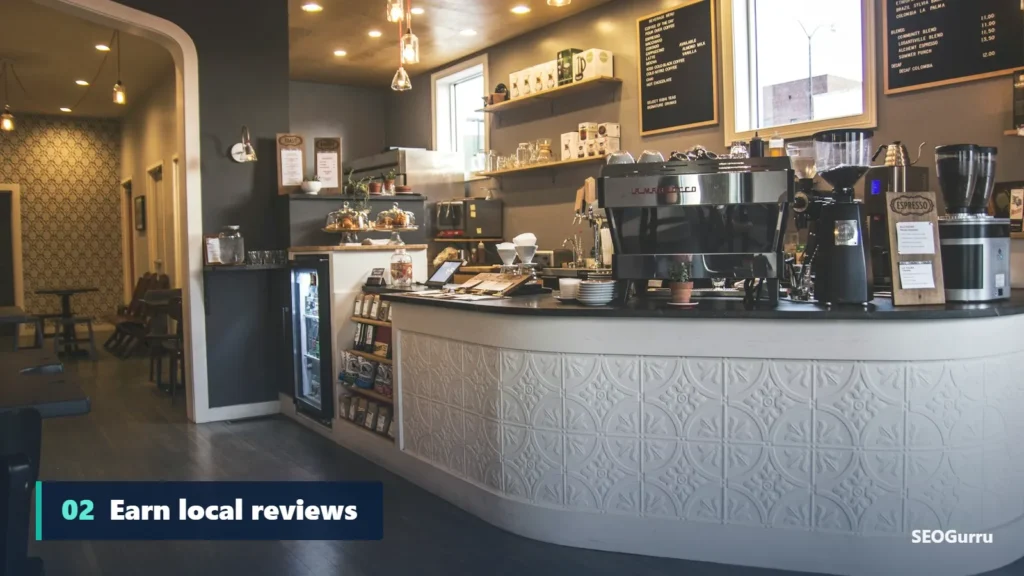
- Ask every happy customer. The best time is right after a successful purchase or job.
- Make it easy. Share your direct review link from your Business Profile by text, email, QR code or receipt.
- Never buy or gate reviews. Fake reviews and “review gating,” where only happy customers are invited, violate Google’s policies.
- Respond to every review. Thank positive reviewers by name and address negative reviews calmly and helpfully.
- Encourage detail. Reviews that mention the service and location, like “great kitchen remodel in DHA,” add context.
- Diversify platforms. Reviews on Facebook, Yelp, Trustpilot or industry sites also build prominence.
Part 4: On-Page Local SEO Checklist
Your website supports your Google Business Profile and can rank in organic results below the map pack.
- Include your city or area naturally in title tags, H1s and content of key pages, without stuffing.
- Create a strong homepage that clearly states what you do and where you do it.
- Build individual service pages for each main service, such as “AC repair” and “AC installation.”
- Create genuine location pages if you serve multiple areas or have multiple branches. Include unique content: local landmarks, projects completed there, team members, directions and reviews from customers in that area.
- Embed a Google Map on your contact page.
- Display your NAP in the footer of every page.
- Make it mobile-friendly and fast. Most local searches happen on phones. Our guide to Core Web Vitals shows how to improve speed.
- Add click-to-call buttons and clear calls to action.
Avoid doorway pages
Creating dozens of near-identical pages that only swap the city name is a classic mistake. Google considers these doorway pages and may ignore or penalize them. Write each location page for real customers in that area.
Part 5: Local Schema Markup
Structured data helps search engines understand your business details precisely. Add LocalBusiness schema, or a more specific subtype like Dentist, Plumber or Restaurant, with:
- Business name, logo and URL
- Full postal address and geo-coordinates
- Phone number
- Opening hours
- Price range
sameAslinks to your Google Business Profile and social profiles
Our schema markup guide shows how to write and test JSON-LD step by step.
Part 6: Local Link Building
Links from locally relevant websites strengthen prominence. Ideas that work for small businesses:
- Sponsor local sports teams, charities and community events
- Join your chamber of commerce or business associations
- Partner with complementary local businesses and cross-promote
- Offer expert comments to local news websites and bloggers
- Host workshops or meetups and get listed on event sites
- Create useful local resources, such as a guide to the best parks in your city for families
Part 7: Content That Builds Local Relevance
Local content shows search engines and customers that you’re part of the community:
- Case studies of projects in specific neighborhoods
- Answers to questions customers in your area ask
- Guides tied to local events, seasons or regulations
- Team spotlights and behind-the-scenes posts
- Customer stories with permission
Part 8: Tracking Local SEO Results
Measure what matters:
- Google Business Profile Performance: searches, views, calls, direction requests and website clicks.
- Google Search Console: organic clicks and impressions for location-based queries.
- Google Analytics: traffic and conversions from your Business Profile, tagged with UTM parameters on your profile’s website link.
- Local rank tracking: tools that check map pack positions from different points in your city, since rankings change by location.
- Calls and leads: ultimately, revenue matters more than rankings.
Common Local SEO Mistakes
- Keyword stuffing the business name on Google Business Profile
- Using a virtual office or P.O. box as an address, which violates guidelines
- Ignoring negative reviews
- Multiple profiles for the same location
- Outdated hours, especially on holidays
- No local information on the website at all
Your Local SEO Quick-Start Plan
Week 1: Claim and fully complete your Google Business Profile. Audit your NAP across your website and social profiles.
Week 2: Add LocalBusiness schema, update title tags and set up review requests.
Weeks 3 and 4: Build or update service and location pages. Claim major directory listings.
Ongoing: Post updates weekly, reply to reviews within a day or two, and earn one or two local links each month.
Local SEO for Multi-Location Businesses
If you operate several branches, local SEO becomes a little more structured, but the principles are the same. Each physical location should have:
- Its own Google Business Profile, verified at the correct address, with a unique local phone number where possible.
- Its own location page on your website, linked from the Business Profile, with branch-specific hours, staff, photos, directions and reviews.
- Consistent brand naming, such as “SEOGurru Lahore” and “SEOGurru Karachi,” rather than inventing different names for each branch.
- Separate citations on directories, each pointing to the matching location page.
Use a store locator or locations hub page that links to every branch so both visitors and crawlers can find them. In Google Business Profile, you can manage all locations from one organization account and use bulk verification once you have ten or more locations.
Local SEO and AI-Powered Search
Search is changing quickly. Google’s AI Overviews and AI Mode, along with assistants like ChatGPT and Gemini, increasingly answer “best near me” questions by summarizing reviews, listings and websites. The businesses they recommend tend to be the ones with complete profiles, consistent details across many sources and plenty of recent, descriptive reviews. In other words, the fundamentals in this checklist are also your best preparation for AI-driven local discovery. Keep your information accurate everywhere, and make it easy for both people and machines to understand what you offer, where and for whom.
Final Thoughts
Local SEO rewards businesses that are real, responsive and consistent. Keep your Business Profile complete, make your information identical everywhere, earn reviews steadily and give your website genuine local content. Do that, and you give Google every reason to show your business when nearby customers are ready to buy.
Want to know how your business stacks up against local competitors? Book a free SEO audit and we’ll review your Google Business Profile, citations and website.
Frequently Asked Questions
Quick answers to the questions we hear most about local SEO.
What is the Google local pack?
The local pack, often called the map pack, is the group of usually three business listings shown with a map for searches with local intent, such as “dentist near me” or “plumber in Lahore.” It appears above or among the regular organic results.
How long does local SEO take to work?
Quick fixes like completing your Google Business Profile can have an effect within weeks. Building reviews, citations and local links usually takes three to six months to produce consistent gains, depending on competition in your area.
Do I need a physical address for local SEO?
You need a real address to verify a Google Business Profile, but service-area businesses that visit customers, such as plumbers or cleaners, can hide their address and define the areas they serve instead.
Do Google reviews help rankings?
Yes. Google says that review count and score factor into local ranking as part of prominence. Reviews also strongly influence whether searchers choose your business, so they matter for conversions as well as rankings.
What are local citations?
Citations are online mentions of your business name, address and phone number, usually on directories such as Yelp, Apple Business Connect, Bing Places and industry or city directories. Consistent citations help search engines trust your business information.
Can I rank in a city where I do not have an office?
It is difficult to appear in the map pack for a city far from your verified address because distance is a core ranking factor. You can still rank organically with helpful service and location pages for nearby areas you genuinely serve.